
A contractor record is the folder everything else goes in — licenses, certificates, W-9s, requests. Creating one takes about fifteen seconds, and you only need a name.
-
Open the Contractors screen
Click Contractors in the sidebar, then Add Contractor at the top right. If your roster is empty you'll see a bigger Add one manually button in the middle of the screen instead — same thing.
-
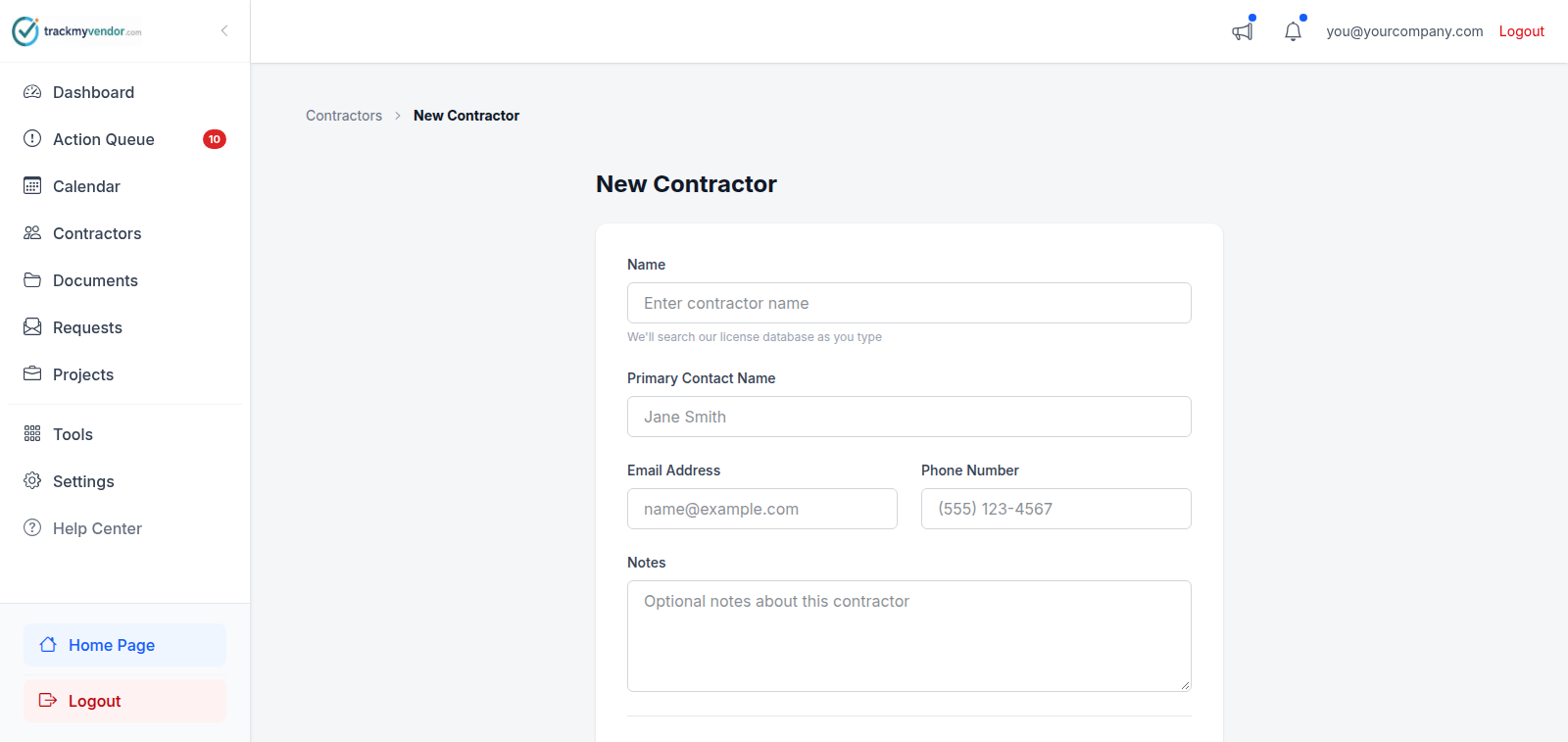
Fill in the name
Only Name is required. Everything else can wait.
Worth filling in now if you have it: Email, because that's where document requests go, and it saves typing the address every time you ask for something.
-
Save
Click Save. You land on the contractor's detail page, which is where licenses and documents get filed.
What a new contractor looks like
A contractor with nothing filed against them shows as No Documents — a grey badge, not a red one. That's a neutral state meaning "we haven't started", not a failure. It becomes Compliant or Non-Compliant as soon as the first license or document arrives.
Tip
What happens next
Ask them for their paperwork. You don't have to chase it by email yourself — request documents from a contractor sends a link they can upload through from their phone.