
Assigning a contractor to a project puts them in that project's compliance view and judges them against that project's requirements.
-
Open the project
Open the project from the sidebar.
-
Add contractors
Add contractors from your roster. You can add as many as you need; a contractor can be on several projects at once.
-
Read the list
The project's list now shows each contractor's status for this job — which is not always the same as their overall status, if the job requires more than your organization-wide floor.
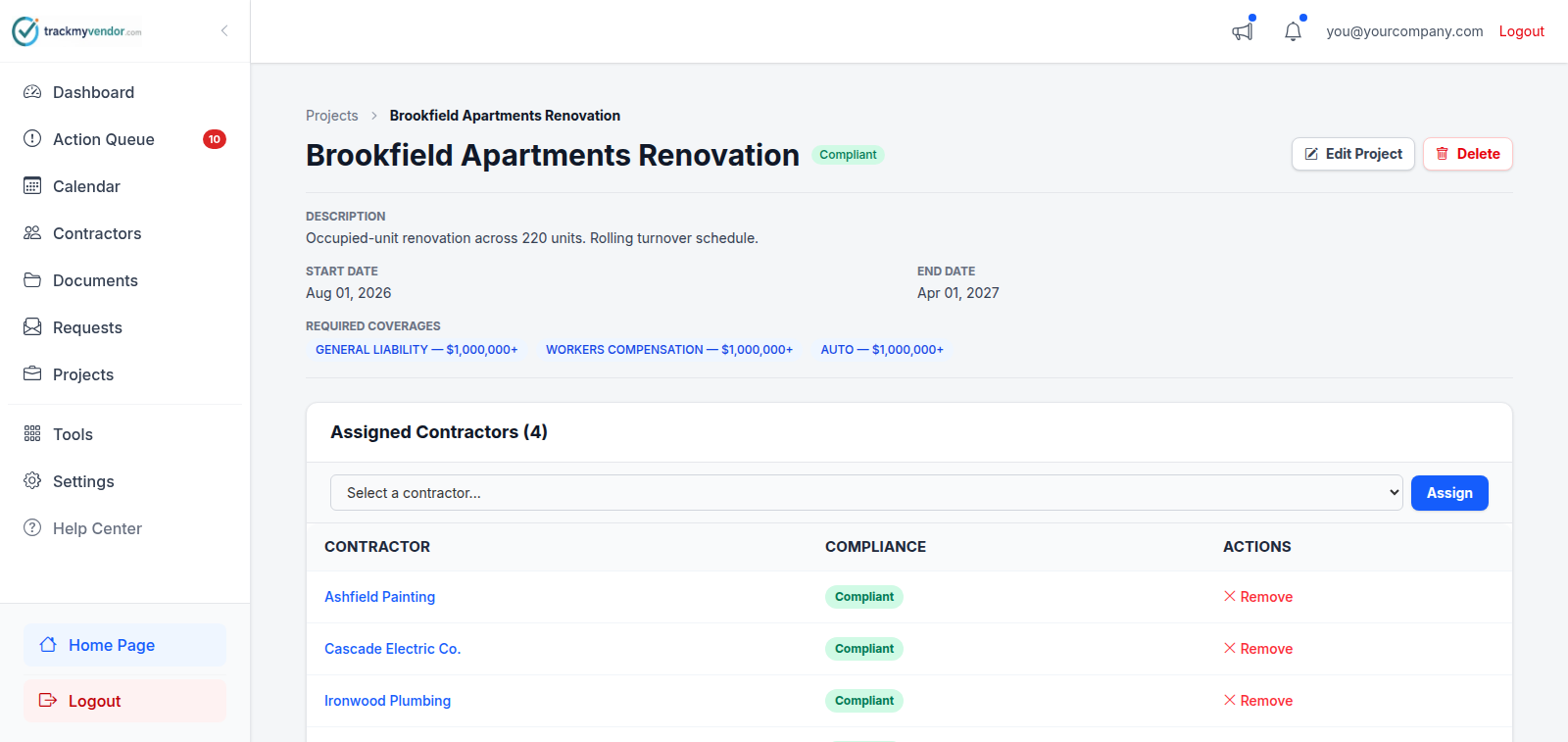
Reading the list
A contractor showing as short here has either failed your organization floor or this project's higher bar. Open them to see which — the difference decides whether you're asking for a new certificate or a project-specific endorsement.
Removing someone
Remove them from the project when the job ends. It doesn't touch their record, their documents or their overall status — it just stops them being counted in this project's view, and stops this project's requirements applying to them.
Tip
A contractor's own Assignments tab shows every project they're on, which is the quickest way to answer "where is this contractor working for us?"