
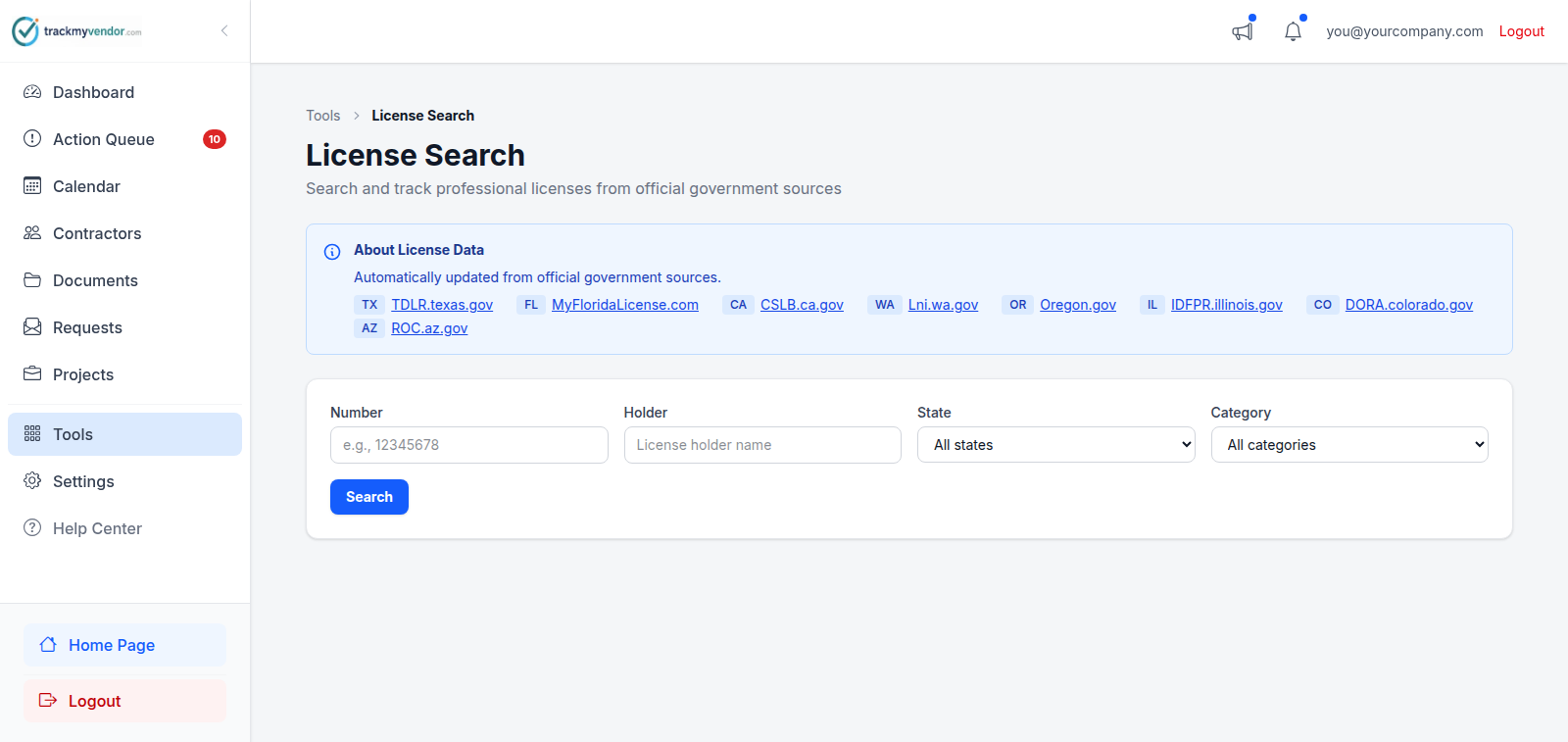
License Search queries the state records we import, and lets you attach what you find straight to a contractor.
-
Open License Search
Tools → License Search.
-
Search by number where you can
Pick the state, then search by license number if you have it, or by name if you don't.
The number is far more reliable. Business names in state records are the legal entity — "J R Electric LLC" where you know them as "JR Electric" — and partial name searches on a common surname return a lot of rows.
-
Identify the right record
Results show the licence type, its status as the state reports it, and the expiry. Match on the number or the address rather than the name alone.
-
Attach it
Attach the right record to a contractor. You can attach to an existing contractor, or create one from the licence if they're not on your roster yet.
Careful
Nothing found?
- Check the state. Contractors near a border are often licensed in the neighbouring one.
- Try the legal name. Search the entity name from their certificate or W-9, not the name on their van.
- They may not need one. Plenty of trades don't require a state licence in a given state — that's a fact about the trade, not a gap in the data.
- We may not cover them. Twelve states; elsewhere, add the licence manually.